
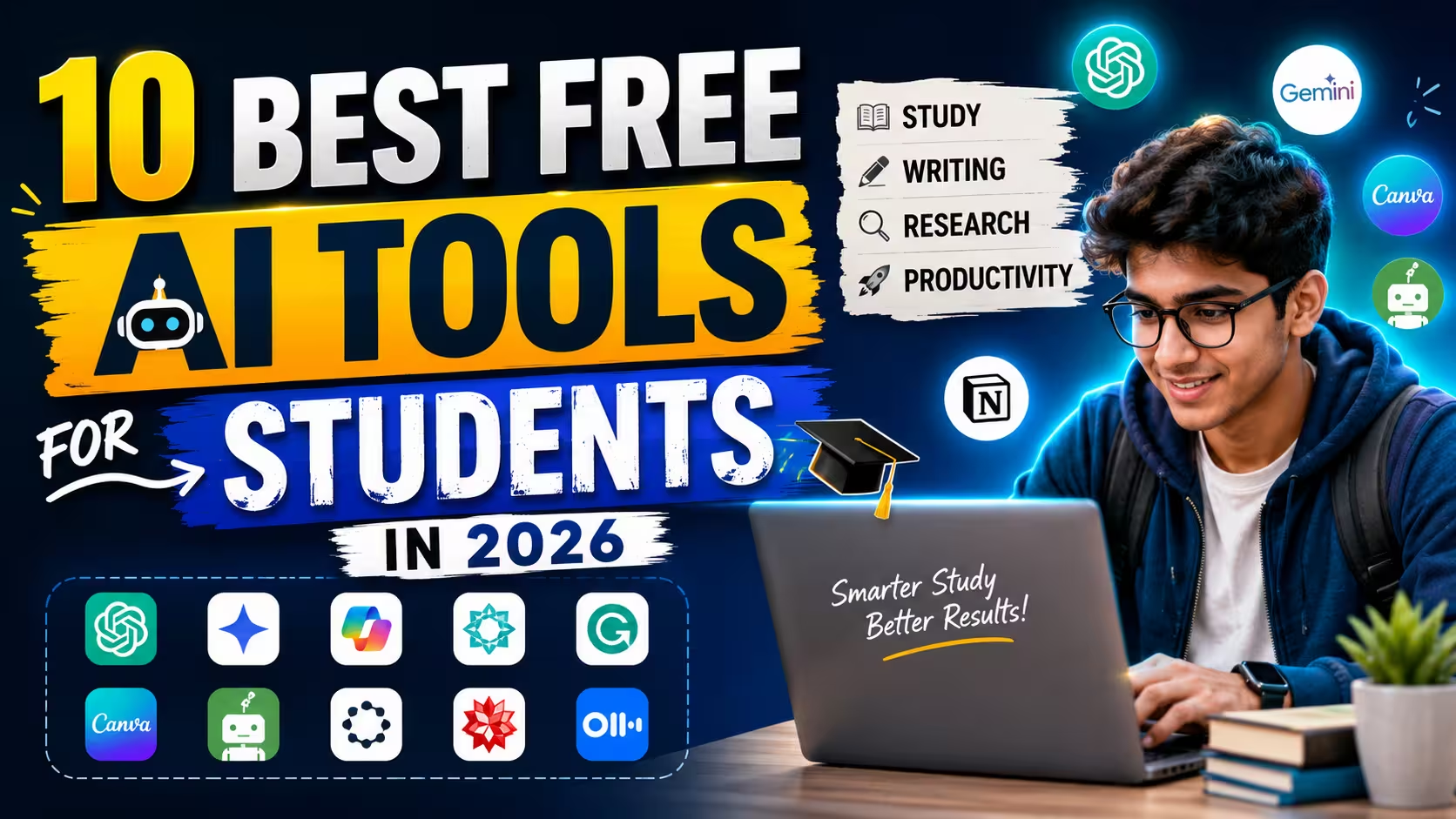
Artificial intelligence is becoming a useful part of everyday student life. From understanding difficult topics to improving writing, finding information, creating presentations, and managing study tasks, AI tools can save a lot of time when they are used correctly.
The good thing is that students do not always need expensive software. Many AI platforms offer free plans or free features that are useful for everyday academic work.
However, choosing the right tool can be difficult because there are hundreds of AI tools available today. Some are excellent for writing, while others are better for research, studying, creating images, or organizing information.
In this guide, we will look at 10 useful free AI tools for students in 2026 and explain what each tool can actually do, how students can use it, and where it can be most helpful.
Note: Free features and usage limits can change over time. Always check the tool’s current pricing and terms before relying on a particular feature.
1. ChatGPT – For Learning, Writing and Brainstorming
ChatGPT is one of the most versatile AI tools students can use. Instead of using it only for writing answers, students can use it as a learning assistant.
For example, if you are studying a difficult computer science topic, you can ask ChatGPT to explain it in simple language. You can then ask follow-up questions until the concept becomes clear.
It can also help with programming, mathematics, brainstorming, summarizing notes, creating practice questions, and preparing for interviews.
How students can use ChatGPT
- Explain difficult topics in simple English
- Create study notes
- Generate practice questions
- Explain programming concepts
- Help find mistakes in code
- Brainstorm project ideas
- Create revision plans
- Improve grammar and sentence structure
One useful approach is to tell the AI your current level. For example, instead of simply asking, “Explain databases,” you could ask it to explain databases as if you are a beginner.
This usually produces a more understandable response.
The important thing is not to blindly copy AI-generated answers. Use the tool to understand the topic and then write the final answer in your own words.
2. Google Gemini – Useful for Research and Everyday Questions
Google Gemini is another AI assistant that can help students with learning, research, writing, brainstorming, and general questions.
Students can use it when they need a quick explanation of a topic or want different ideas for an assignment or project.
For example, a student working on a presentation about renewable energy could use Gemini to brainstorm important subtopics. Those ideas can then be researched using reliable sources.
Gemini can also be useful for comparing concepts, creating outlines, explaining technical subjects, and improving drafts.
Best uses for students
- Topic explanations
- Brainstorming
- Assignment planning
- Presentation ideas
- Research starting points
- Writing assistance
- Summarizing information
AI should be treated as a starting point rather than the final source of truth. For important academic information, students should verify facts through textbooks, academic sources, official websites, or other reliable references.
3. Microsoft Copilot – For Writing and Productivity
Microsoft Copilot can be useful for students who regularly work with documents, presentations, emails, and other productivity tasks.
A student can use an AI assistant to brainstorm an essay structure, improve the wording of a paragraph, create ideas for a presentation, or summarize information.
It can also help students turn rough ideas into a more organized structure.
For example, if you have five points about a project but don’t know how to organize them, you can ask Copilot to arrange them into a logical outline.
Why students may find it useful
Students often spend more time organizing their work than actually completing it. AI can help reduce some of that preparation time.
However, students should still review the output carefully. AI-generated writing can sometimes sound generic or include information that needs verification.
4. Perplexity – For Research and Finding Sources
Research can take a lot of time, especially when you have to search through many websites to understand a topic.
Perplexity is designed around answering questions with web-based research and providing sources alongside its responses.
This can make it useful when you are trying to understand a topic and want to explore the information behind an answer.
For example, if you are preparing a college presentation about artificial intelligence, you can use Perplexity to discover important areas of the topic and then open the provided sources for deeper reading.
- Good uses of Perplexity
- Starting research
- Finding relevant sources
- Exploring unfamiliar topics
- Comparing information
- Getting an overview of a subject
One important habit is to open and read the original sources instead of treating an AI-generated answer as proof that something is correct.
This is especially important for academic assignments where accuracy matters.
5. Grammarly – For Better English Writing
Good ideas can lose their impact when writing contains grammar, spelling, or clarity problems. Grammarly can help students improve their written English.
It can identify common grammar and spelling mistakes and provide suggestions for making sentences clearer.
This can be particularly helpful for students who are not completely confident in English.
Students can use Grammarly for:
- College assignments
- Essays
- Emails
- Applications
- Reports
- Project documentation
- Cover letters
The goal should not be to make every sentence sound complicated. Good academic writing is usually clear and easy to understand.
Students should also read the suggested changes before accepting them. Sometimes an automated suggestion may not match the exact meaning you want.
6. Canva – For Presentations, Posters and Visual Projects
Not every student assignment is based on writing. Presentations, posters, infographics, social media projects, and visual reports are also common.
Canva provides templates and AI-powered features that can help students create visual content without needing advanced graphic-design skills.
You can use it to create presentation slides, educational posters, diagrams, resumes, and other visual materials.
Examples of student projects
Imagine you need to prepare a presentation about climate change.
Instead of starting with a completely blank page, you can use a suitable template and then customize the text, images, charts, and layout.
The important part is to make sure that the final presentation actually reflects your research. A beautiful template cannot replace accurate information.
7. QuillBot – For Paraphrasing and Writing Improvement
QuillBot is known for its paraphrasing and writing-related features.
Students can use it when they want to understand different ways of expressing an idea or improve the clarity of a sentence.
For example, if you have written a sentence that feels awkward, a paraphrasing tool can show alternative versions.
It can also be useful when reviewing your own writing and looking for repetitive wording.
Where it can help
- Improving sentence structure
- Reducing repetitive wording
- Understanding alternative ways to express an idea
- Checking written drafts
- Improving readability
There is an important difference between paraphrasing and copying.
Students should understand the original information and properly cite sources when required. Simply putting someone else’s work through a paraphrasing tool does not automatically make it original academic work.
8. NotebookLM – Turn Your Study Material Into a Learning Assistant
NotebookLM can be particularly interesting for students because it focuses on information from sources that you provide.
Instead of asking an AI general questions, you can work with your own study materials and use AI to explore them.
For example, suppose you have lecture notes or study documents about a particular subject. You can use a tool like NotebookLM to help summarize the material, identify important concepts, or create questions for revision.
- Useful study activities
- Summarizing notes
- Reviewing documents
- Finding important points
- Creating study questions
- Understanding long material
- Preparing for revision
This can be especially useful before exams when you have a large amount of material to review.
Still, students should check the original notes when something seems unclear or important.
9. Wolfram Alpha – Helpful for Mathematics and Calculations
Mathematics students often need more than a written explanation. They also need calculations and step-by-step understanding.
Wolfram Alpha is a computational knowledge tool that can be useful for mathematics, science, statistics, and other technical subjects.
Students can use it to explore mathematical problems, equations, graphs, and calculations.
The best way to use a computational tool is not simply to obtain the final number.
Instead, try to understand why the answer is correct and how the problem is solved.
For example, after getting an answer, you can work through the same problem yourself and compare your result.
This turns an AI or computational tool from an answer generator into a learning aid.
10. Otter.ai – Useful for Notes and Recorded Discussions
Taking notes during lectures or discussions can be difficult. You may miss an important point while trying to write down something that was said earlier.
Transcription tools such as Otter.ai can help convert supported recordings or conversations into written notes.
This can be useful for students who want to review a discussion later instead of relying entirely on handwritten notes.
- Possible student uses
- Reviewing lectures
- Creating searchable notes
- Summarizing discussions
- Remembering important points
- Organizing recorded study sessions
Before recording any lecture, class, meeting, or conversation, students should follow their institution’s rules and obtain permission when necessary.
How to Choose the Right AI Tool for Your Studies
You do not need to use all 10 tools.
In fact, using too many tools can make studying more complicated. It is better to choose tools according to the task you are trying to complete.
For understanding difficult topics
Use an AI assistant such as ChatGPT or Gemini to ask questions and request simple explanations.
For research
Perplexity can help you discover information and sources, but you should read the original sources before using information in academic work.
For writing
Grammarly and QuillBot can help with grammar, clarity, and alternative wording.
For presentations
Canva can help you create visual presentations and educational materials.
For study notes
NotebookLM can be useful when you want to work with your own study material.
For mathematics
Wolfram Alpha can help with calculations and mathematical exploration.
How Students Should Use AI Responsibly
AI can make studying easier, but using it incorrectly can create problems.
The biggest mistake is treating AI as a replacement for learning.
If you copy an answer without understanding it, you may save a few minutes today but struggle when you have to explain the same topic in an exam or interview.
A better approach is to use AI as a personal study assistant.
Ask it to explain a concept, give you examples, create practice questions, or point out mistakes in your understanding. Then solve problems and write answers yourself.
You should also verify important information because AI systems can sometimes provide incorrect or outdated answers.
For academic assignments, follow your college or university’s rules regarding AI-generated content, citations, and originality.
Common Mistakes Students Make With AI Tools
Copying everything directly
The easiest way to misuse AI is to copy its response and submit it as your own work.
Instead, use AI to understand the topic and create your own final response.
Not checking facts
AI can produce confident-sounding information that may be inaccurate. Always verify important facts, statistics, dates, quotations, and references.
Using complicated prompts unnecessarily
You do not need to write a huge prompt every time. Start with a clear question and add more information if the response isn’t useful.
Depending on AI for every problem
If you use AI for every small question, you may reduce your own problem-solving practice.
Try solving something yourself first. Use AI when you are stuck or want to check your understanding.
Tips for Getting Better Results From AI
The quality of an AI response often depends on how clearly you explain what you need.
Instead of asking:
“Explain computer networks.”
Try:
“I am a beginner learning computer networks. Explain the difference between LAN, MAN and WAN in simple English with a real-life example for each.”
The second question gives the AI more context, so the answer can be more useful.
You can also ask AI to:
- Explain something step by step
- Give a simple example
- Compare two concepts
- Create practice questions
- Act as a tutor and quiz you
- Find gaps in your understanding
- Explain the same topic in easier language
- This approach makes AI much more useful for actual learning.
Final Thoughts
AI tools can be valuable for students when they are used as learning and productivity assistants rather than shortcuts.
Tools such as ChatGPT, Gemini, Perplexity, Grammarly, Canva, QuillBot, NotebookLM, Wolfram Alpha, and transcription platforms can help with different parts of student life, from research and writing to mathematics, presentations, and revision.
You do not need to use every tool on this list. Start with one or two that match your needs and learn how to use them properly.
Most importantly, remember that AI should support your learning, not replace it. The goal is not simply to finish an assignment faster. The real benefit comes from understanding the subject, improving your skills, and becoming more productive along the way.
Frequently Asked Questions
Are these AI tools free for students?
Many of these services offer free access or free features, but the exact limits and features can vary. Some also provide paid plans with additional capabilities.
Can students use AI for college assignments?
That depends on the rules of your college, university, teacher, or course. Students should check the applicable academic policies and disclose or cite AI assistance when required.
Which AI tool is best for studying?
There is no single best tool for everyone. ChatGPT, Gemini, and NotebookLM can be useful for explanations and study support, while other tools are better suited to research, writing, mathematics, or presentations.
Can AI replace a teacher?
AI can explain concepts and provide practice, but it cannot completely replace a teacher. Human teachers provide context, feedback, guidance, and understanding of a student’s specific needs.
Should I trust every answer given by AI?
No. AI can make mistakes. Always verify important information, especially for academic research, statistics, medical information, legal information, or other topics where accuracy is important.